
Tracking your library
Following
Section titled “Following”Use Search to find any TV show, movie, or game and follow it. Following adds it to your Library and Calendar, includes it in Up Next (for shows), and makes it eligible for release notifications and webhooks.
Orion keeps followed titles current automatically. New episodes, changed air dates, and shifted release dates sync in the background several times a day. Show and movie data comes from TMDB, game data from IGDB.
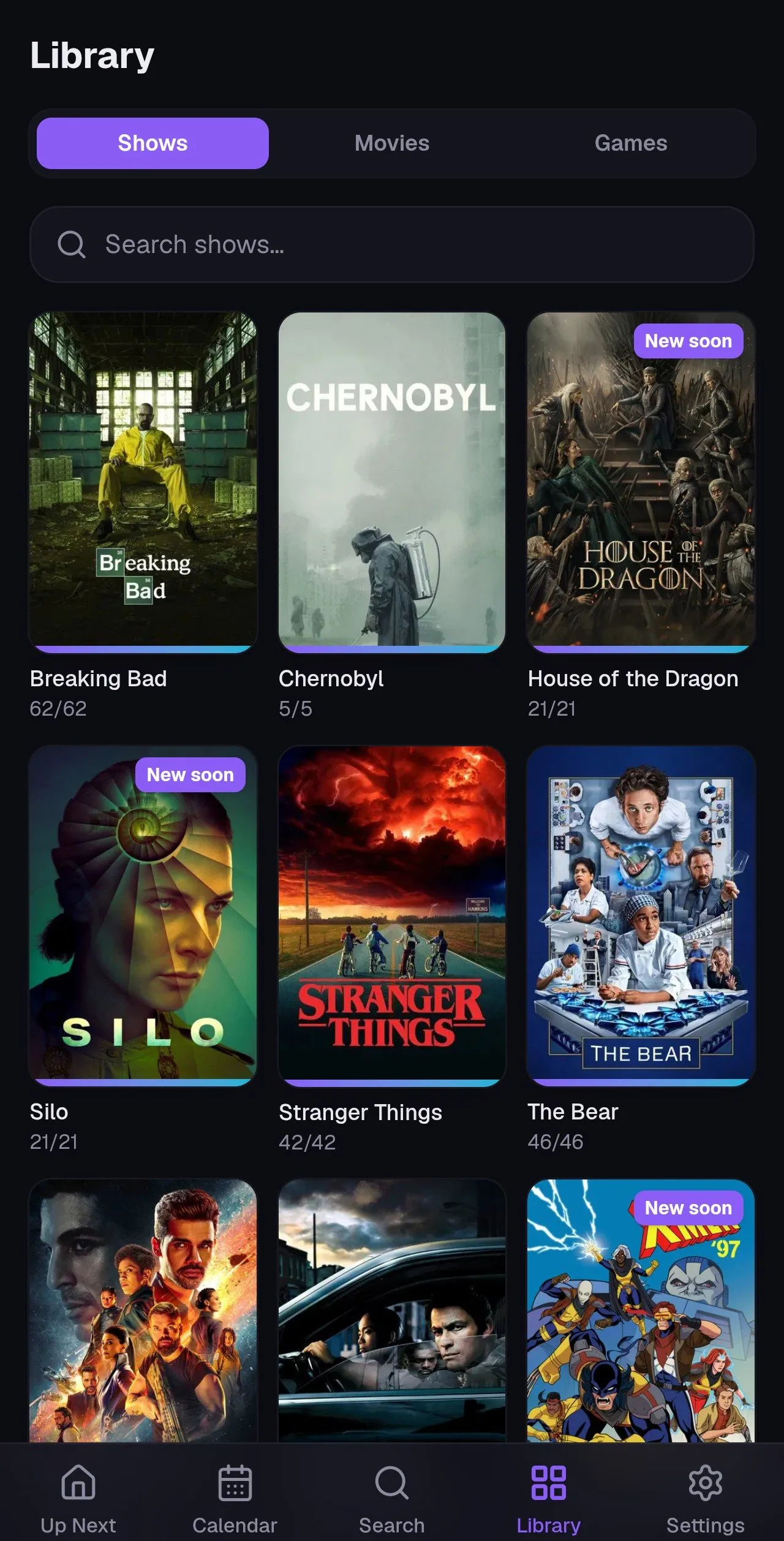
Marking things watched
Section titled “Marking things watched”- Episodes: toggle individual episodes from a show’s season list, or mark straight from Up Next on the home screen. Orion tracks when you watched, and it counts rewatches if you mark an episode again.
- Movies and games: a single watched or played toggle on the detail page.
Up Next always points at the next aired, unwatched episode per show, so marking as you go keeps the home screen an honest “what’s next” list.
Archiving shows
Section titled “Archiving shows”Done with a show, whether you finished it, dropped it, or it got cancelled? Archive it from its detail page. Archived shows:
- keep all their watch history,
- stay in your Library (filtered separately),
- stop appearing in Up Next, the Calendar, widgets, and notifications.
Unarchive any time to resume tracking.
Streaming availability
Section titled “Streaming availability”Show and movie pages display which streaming platforms currently carry the title, so you know where to watch before you go hunting.